
Analysis outputs: PDF, Excel, KMZ, and GeoTIFF
You download the results of TerraScane analyses in four formats: a PDF report in Turkish or English, an Excel spreadsheet, a KMZ file that opens in Google Earth, and a GeoTIFF that carries the pixel values. Each report carries the data, method, threshold, and literature reference it was produced with.
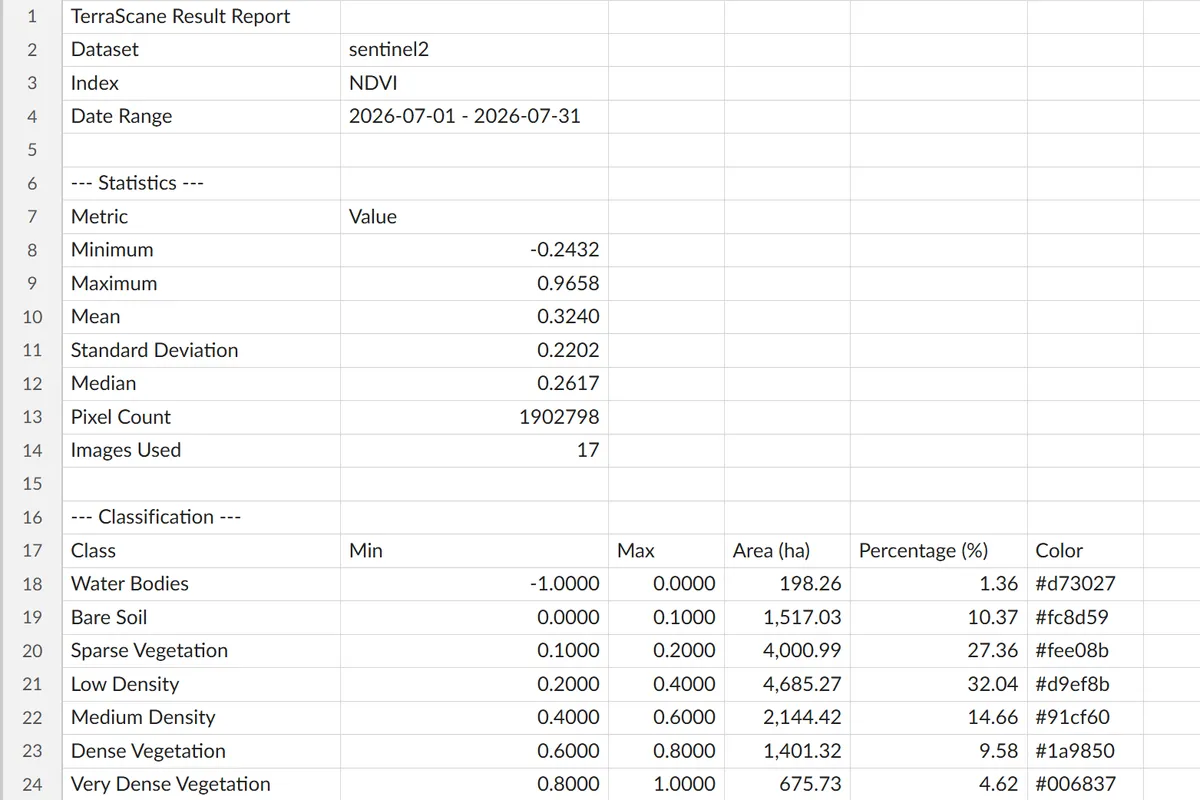
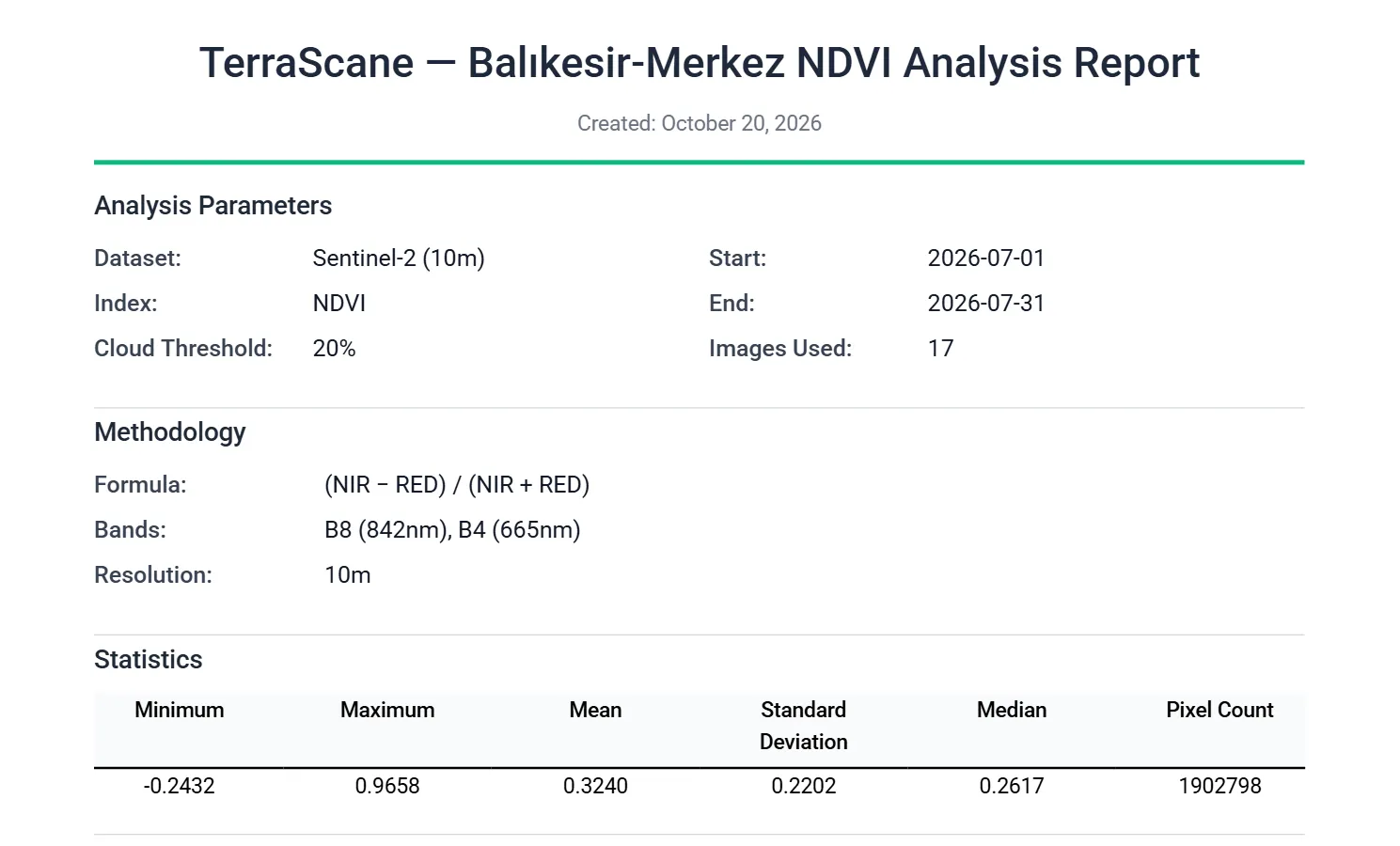
NDVI, single period · Sentinel-2 (10 m) · July 1-31, 2026 · Balıkesir-Merkez · 17 images
- Formats
- PDF, Excel, KMZ, and GeoTIFF
- Report language
- Turkish or English
- All at once
- PDF, Excel, and KMZ with "Download all (ZIP)"
- Batch analysis
- One ZIP split into parcel folders
- Metadata
- Dataset, period, cloud threshold, formula, and reference
- GeoTIFF
- Pixel values, NoData -9999
PDF report (Turkish and English)
You download the PDF report in Turkish or English, and you can get the report of the same analysis in both languages. The report's metadata includes:
- the dataset, date range, and cloud threshold
- the number of images used (with a warning if there are fewer than three)
- the index formula, bands, and resolution
- the literature reference for the index
- the classification scheme and its reference
- a data quality note if Landsat 5 or 7 was used
Alongside the metadata, the report includes a statistics summary (minimum, maximum, mean, standard deviation, median, and pixel count), a scientific commentary, the classified map, and a table with the area of each class in hectares and as a percentage.
In the NDVI report, the scientific commentary compares the mean value with the classification in the cited reference, gives the two largest classes with their areas in hectares, discusses the distribution using the standard deviation and median, and states how many images the analysis is based on.
The Comparison report has five pages: cover and method, first period, second period, side-by-side comparison, and scientific commentary. In Batch analysis, each parcel gets its own PDF.
Excel spreadsheet
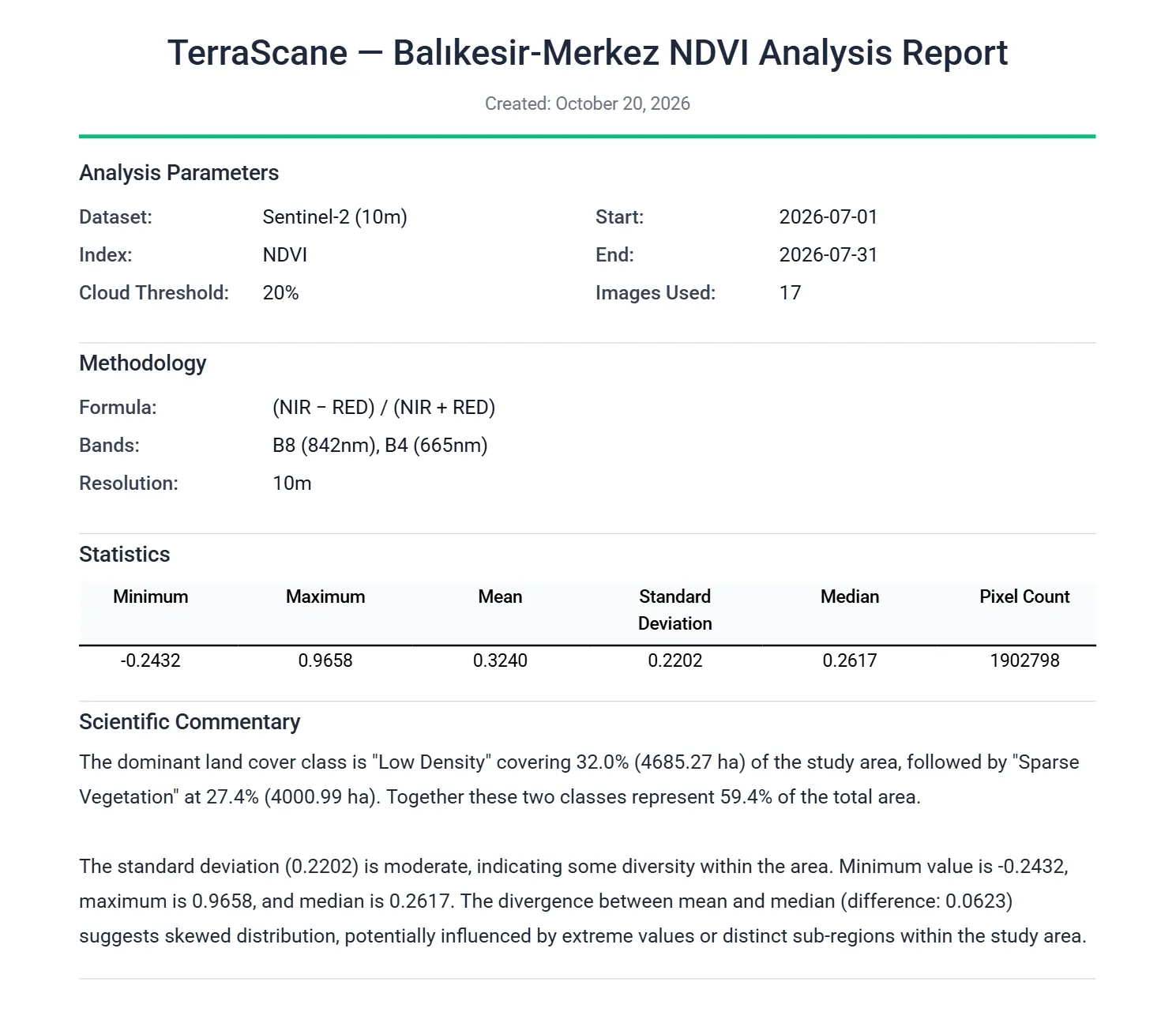
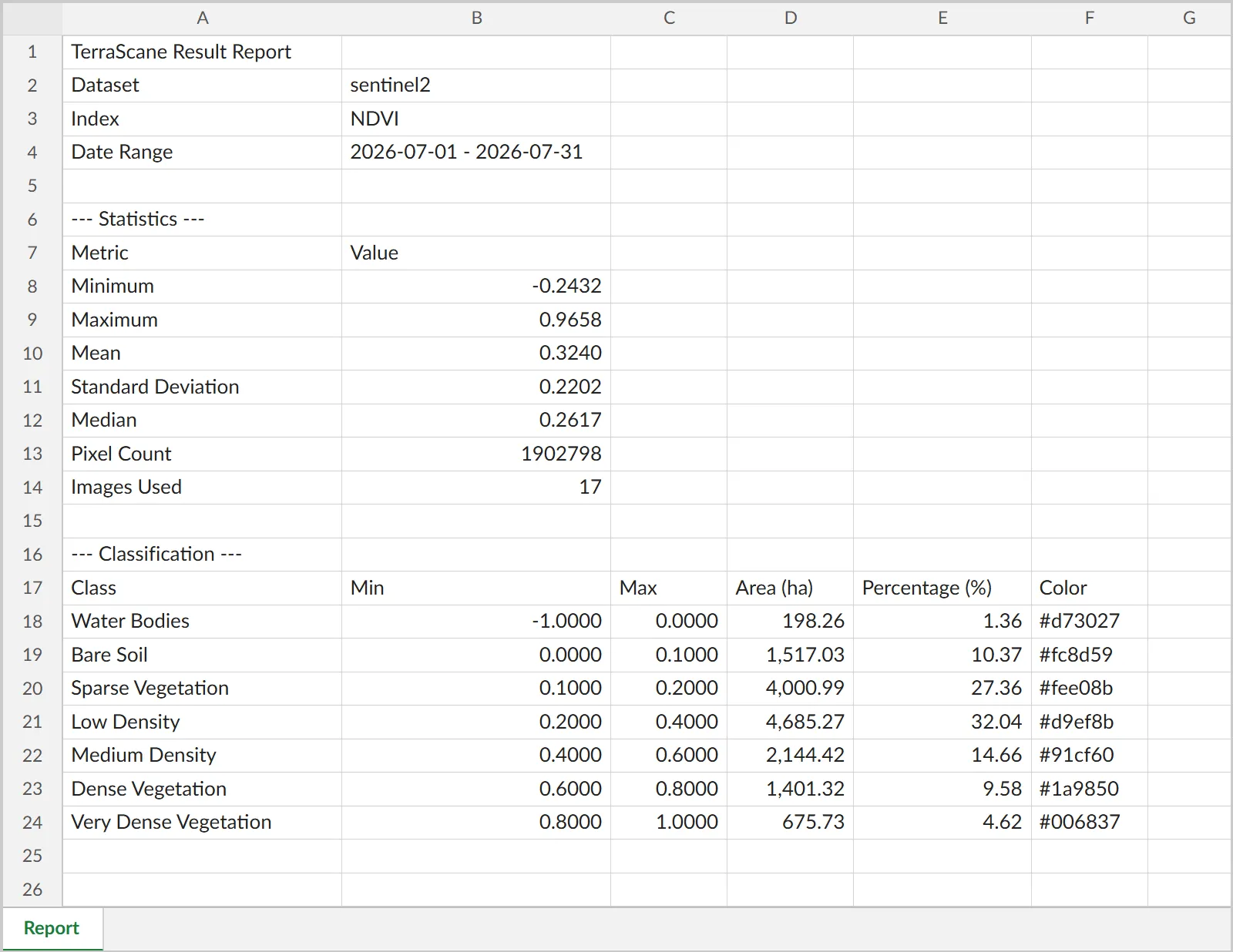
The Excel file of a Single analysis has one sheet in three sections. The top section shows the dataset, index, and date range. The statistics section gives the minimum, maximum, mean, standard deviation, median, pixel count, and image count. The area classification section lists the lower and upper bound of each class, its area (ha), its share of the total (%), and its color on the map.
Delta analysis gives two separate Excel files, one for the time series and one for the change; in Batch analysis, an Excel file summarizing all parcels comes with the Excel file of each parcel.
KMZ file (Google Earth)
The KMZ file opens in Google Earth. It contains the classified map layer, the parcel boundary line, a legend, and a placemark with the class areas (ha and %). Because the parcel boundary and the classified map are in the same file, you can send it to your field team as is.
In Comparison analysis, the two periods are on separate layers with timestamps. Land Cover mode produces a KMZ with yearly layers for each parcel.
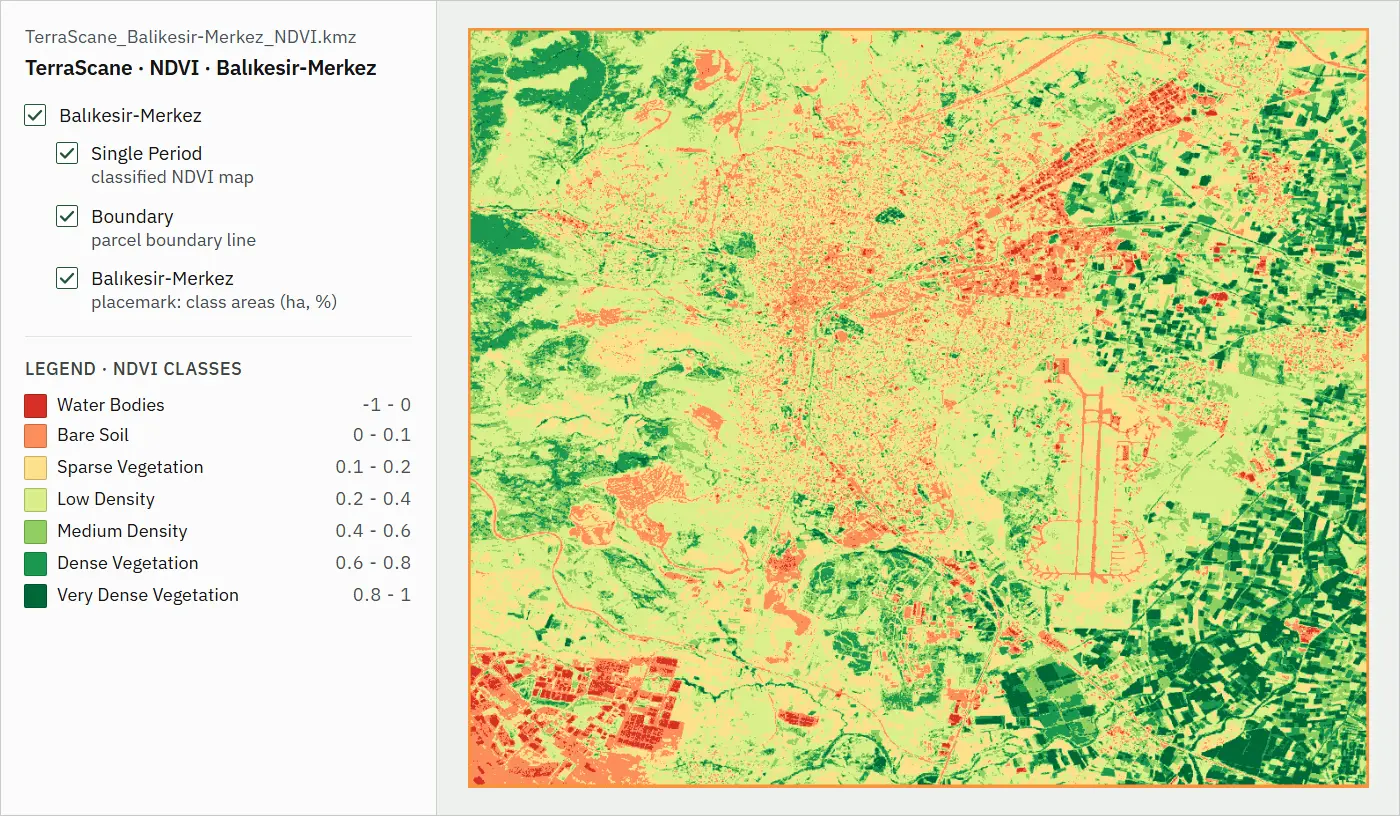
Contains modified Copernicus Sentinel data 2026
GeoTIFF
The GeoTIFF carries the analysis map with its pixel values. You open the file in your GIS software and use the values in your own calculations.
- Single analysis (spectral index)
- The raw index value of each pixel
- Delta
- The difference between the two periods (for spectral indices)
- Comparison
- A separate GeoTIFF for each period
- Surface temperature (LST)
- Temperature values
- Urban Heat Island
- The UTFVI map
- Empty pixels
- Pixels outside the parcel and pixels filtered out carry the value -9999 (NoData); 0 is a valid value.
Formats for each analysis
The table below shows the formats you can download for each result of the Single, Topographic, Urban Heat Island, and Land Cover analyses. You can find the files that Delta, Comparison, and Batch produce on the analysis types page.
| Result type | Excel | KMZ | GeoTIFF | |
|---|---|---|---|---|
| Spectral indices | Yes | Yes | Yes | Yes |
| Slope and aspect | Yes | Yes | Yes | Yes |
| Surface temperature (LST) | Yes | Yes | Yes | Yes |
| Urban heat island | Yes | Yes | Yes | Yes |
| Land cover | No | No | Yes | No |
The land cover result is one KMZ file per parcel, with the yearly layers inside the file. For the spectral index, slope, and aspect results of Single analysis, "Download all (ZIP)" gets the PDF, Excel, and KMZ at once. In Batch analysis, all files come in a single ZIP split into parcel folders, with a separate PDF for each language you choose.
Two ways to work with us
Without signing up, you can run 5 analyses on 2 parcels of up to 7,500 hectares each. If you would like us to run the analysis, let's start with a pilot on a single parcel.
Other platform pages
Overview
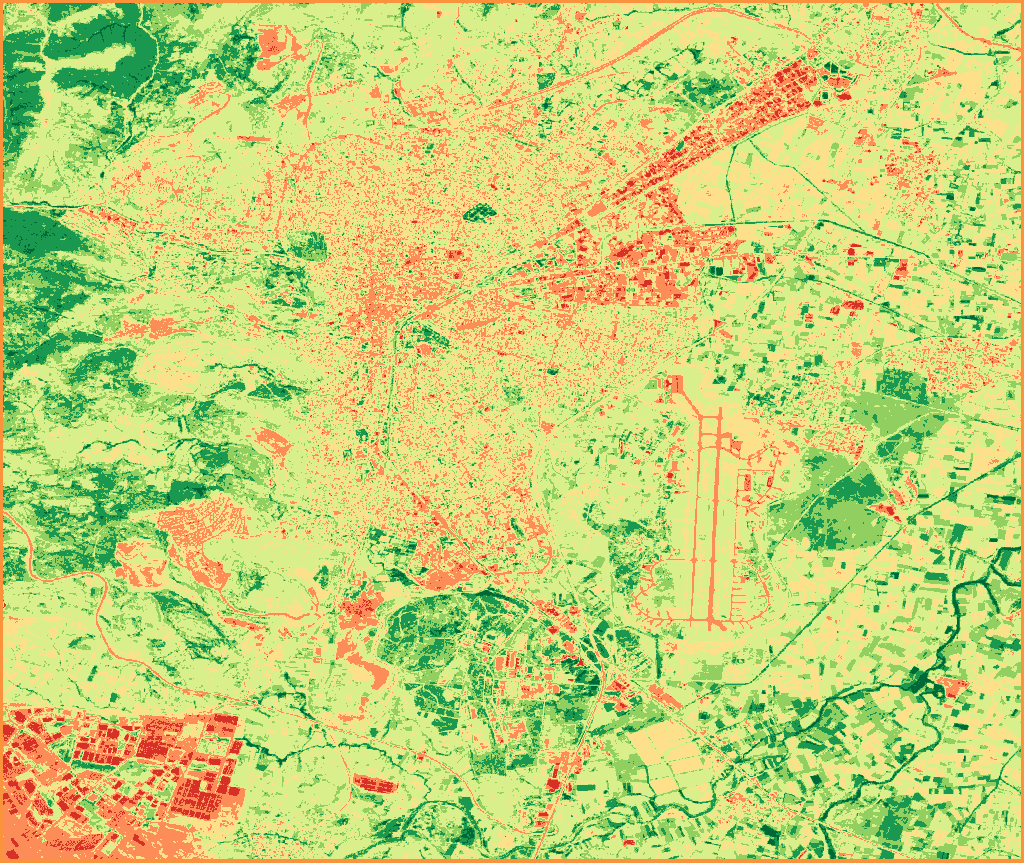
TerraScane runs index analysis on Sentinel-2 and Landsat data for a parcel you draw or upload; you download the report in Turkish and English.
View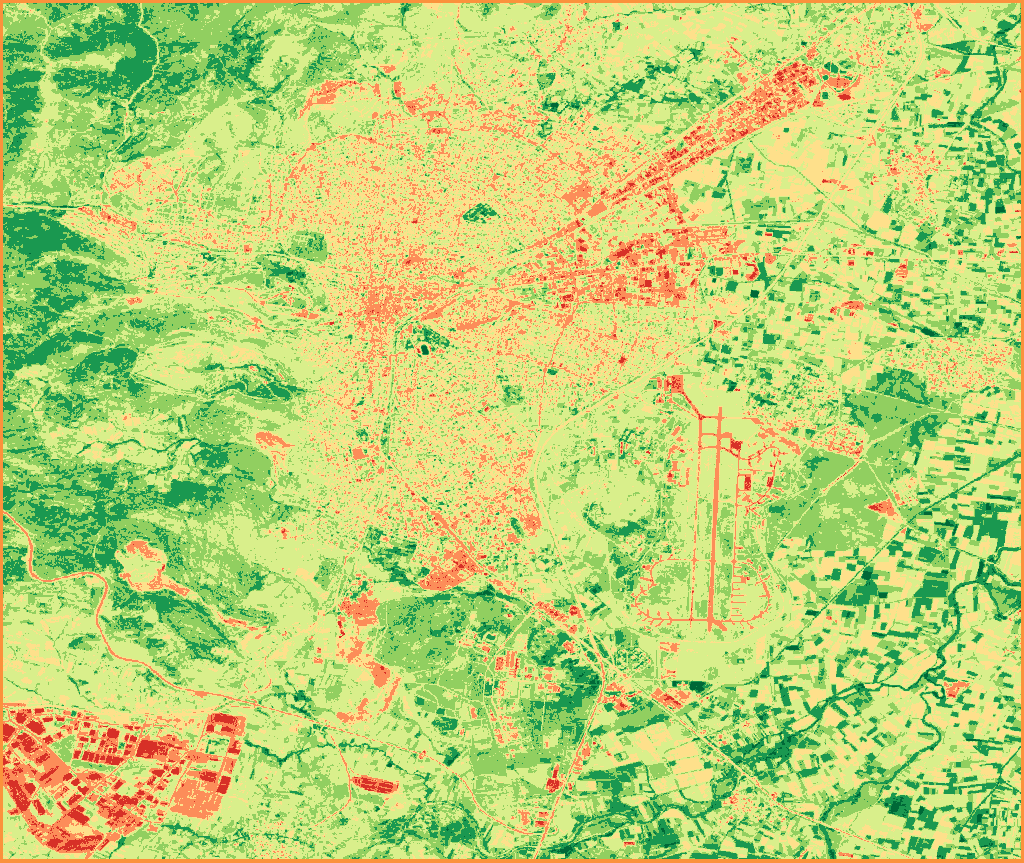
Satellite data
Sentinel-2; Landsat 5, 7, 8, and 9; MODIS; and Copernicus DEM.
View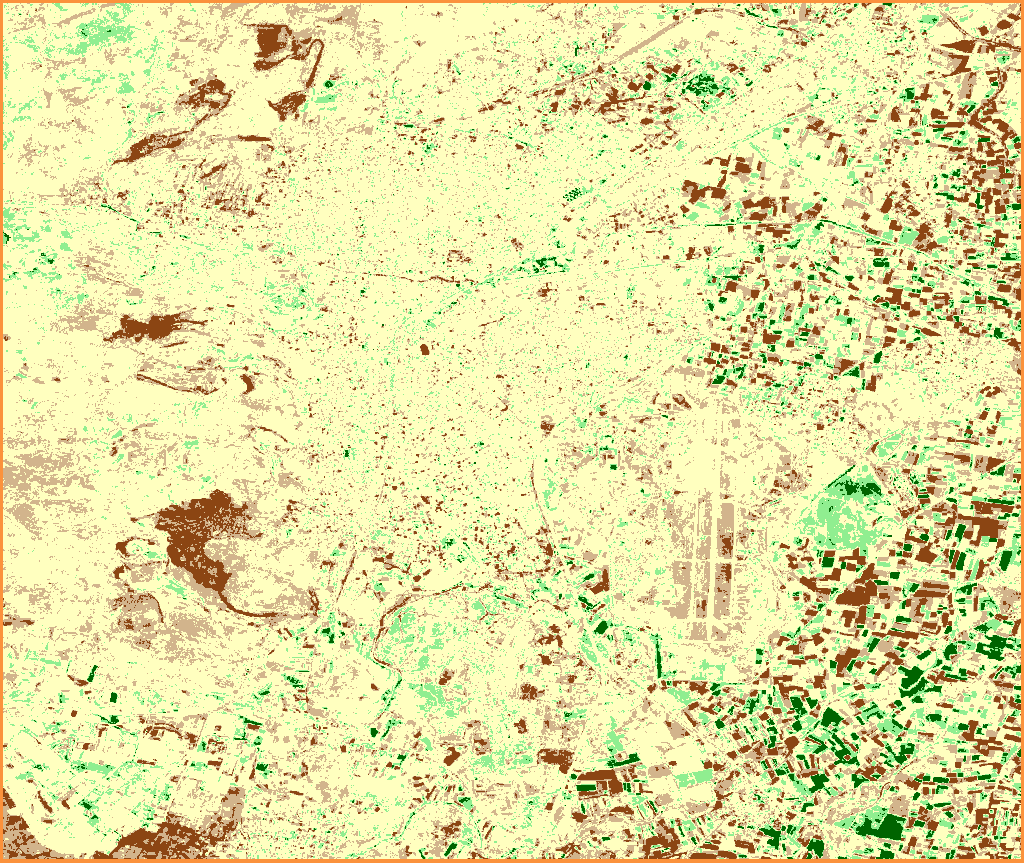
Analysis types
Single, Topographic, Delta, Comparison, Batch, Land Cover, and Urban Heat Island analyses.
View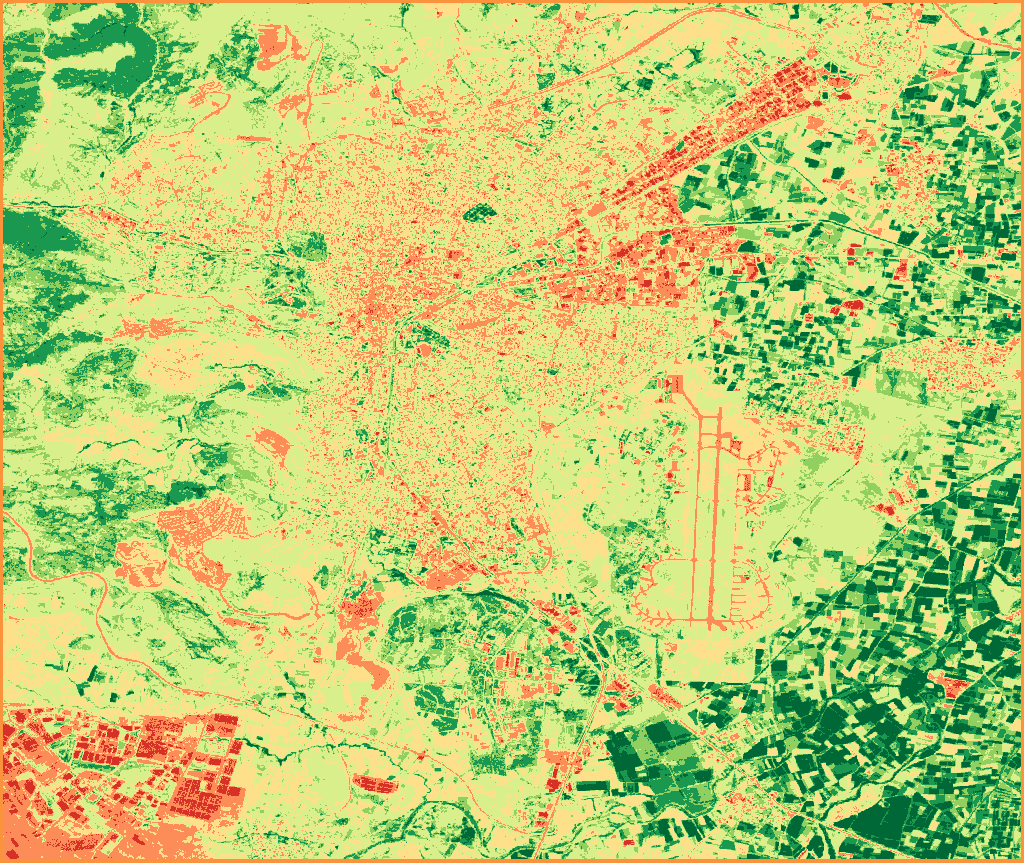
Indices
All 13 spectral indices, NDVI included, with their formulas and bands.
View
Contains modified Copernicus Sentinel data 2020, 2026