
Satellites and data sources
TerraScane analyzes your parcels with Sentinel-2; Landsat 5, 7, 8, and 9; and MODIS imagery, and calculates slope and aspect from the Copernicus DEM. With Landsat 5, the archive goes back to 1984; since 2017, Sentinel-2's 10-meter imagery also shows you the differences within the parcel. You choose the dataset in the panel, based on the year you want to look at and the size of your parcel.
Date ranges you can select in the panel
Hatched section (SLC-off): Landsat 7 images after May 31, 2003 have data gap stripes caused by the scan line corrector failure.
Show tableHide table
| Satellite | Resolution | Date range | Indices |
|---|---|---|---|
| Sentinel-2 | 10 m | March 28, 2017 to present | All 13 spectral indices |
| Landsat 8 and 9 | 30 m | April 11, 2013 to present | 12 indices (all except NDRE) and surface temperature |
| Landsat 7 | 30 m | May 28, 1999 to January 19, 2024 | 12 indices (all except NDRE) and surface temperature |
| Landsat 5 | 30 m | March 16, 1984 to May 5, 2012 | 12 indices (all except NDRE) and surface temperature |
| MODIS | 1,000 m | February 18, 2000 to present | NDVI, EVI |
| Copernicus DEM (GLO-30) | 30 m | No date to select | Slope, Aspect |
- Finest resolution
- 10 m, Sentinel-2
- Archive start
- March 16, 1984, Landsat 5
- Datasets
- Sentinel-2; Landsat 5, 7, 8, and 9; MODIS; and Copernicus DEM
- Indices
- 13 spectral indices and surface temperature
- Elevation model
- Copernicus GLO-30 (30 m): slope and aspect
- Image count
- Stated in the report for each period
How many pixels fit in a hectare
Resolution is the side length of the square that one pixel covers on the ground. One hectare holds 100 Sentinel-2 pixels or 11 Landsat pixels; a single MODIS pixel covers 100 hectares.
Choose Sentinel-2 for small parcels and from 2017 on, and Landsat for earlier years.
How images are prepared for analysis
You choose the dataset, period, and cloud threshold in the panel.
The platform filters out cloudy areas in the images for the period.
The platform combines the remaining images and calculates the result for the period.
The report states the number of images used and gives a warning if there are fewer than three.
Two ways to work with us
Without signing up, you can run 5 analyses on 2 parcels of up to 7,500 hectares each. If you would like us to run the analysis, let's start with a pilot on a single parcel.
Other platform pages
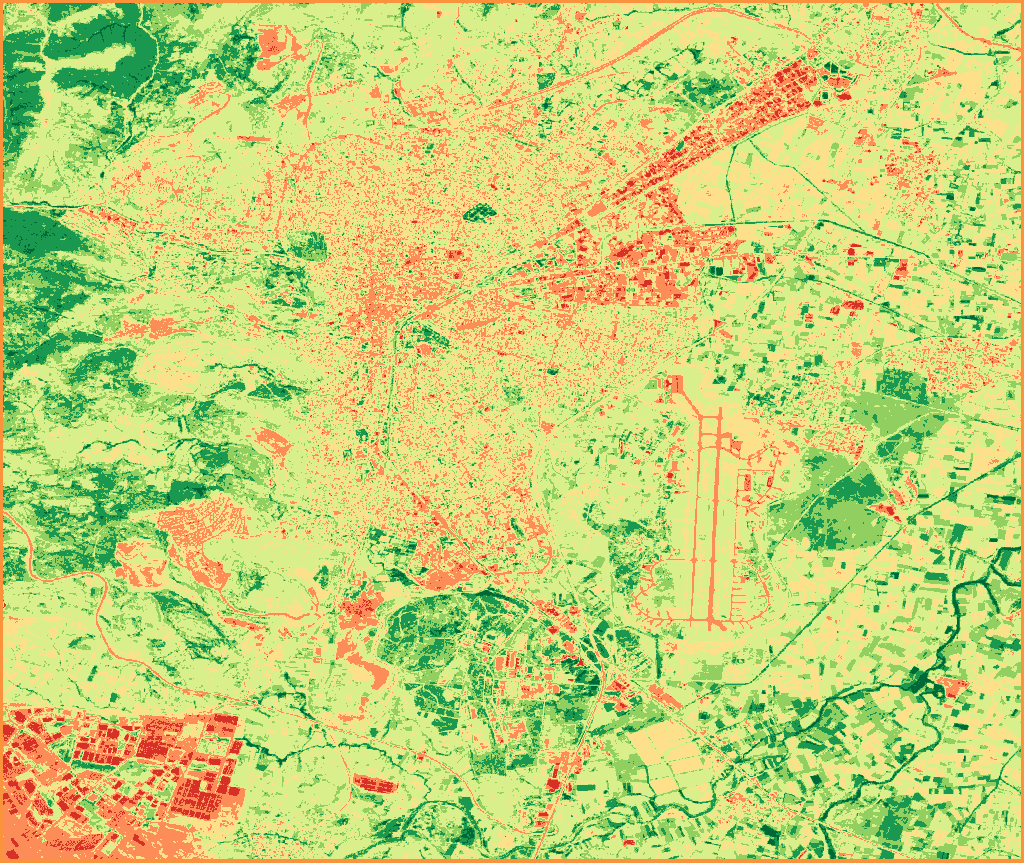
Overview
TerraScane runs index analysis on Sentinel-2 and Landsat data for a parcel you draw or upload; you download the report in Turkish and English.
View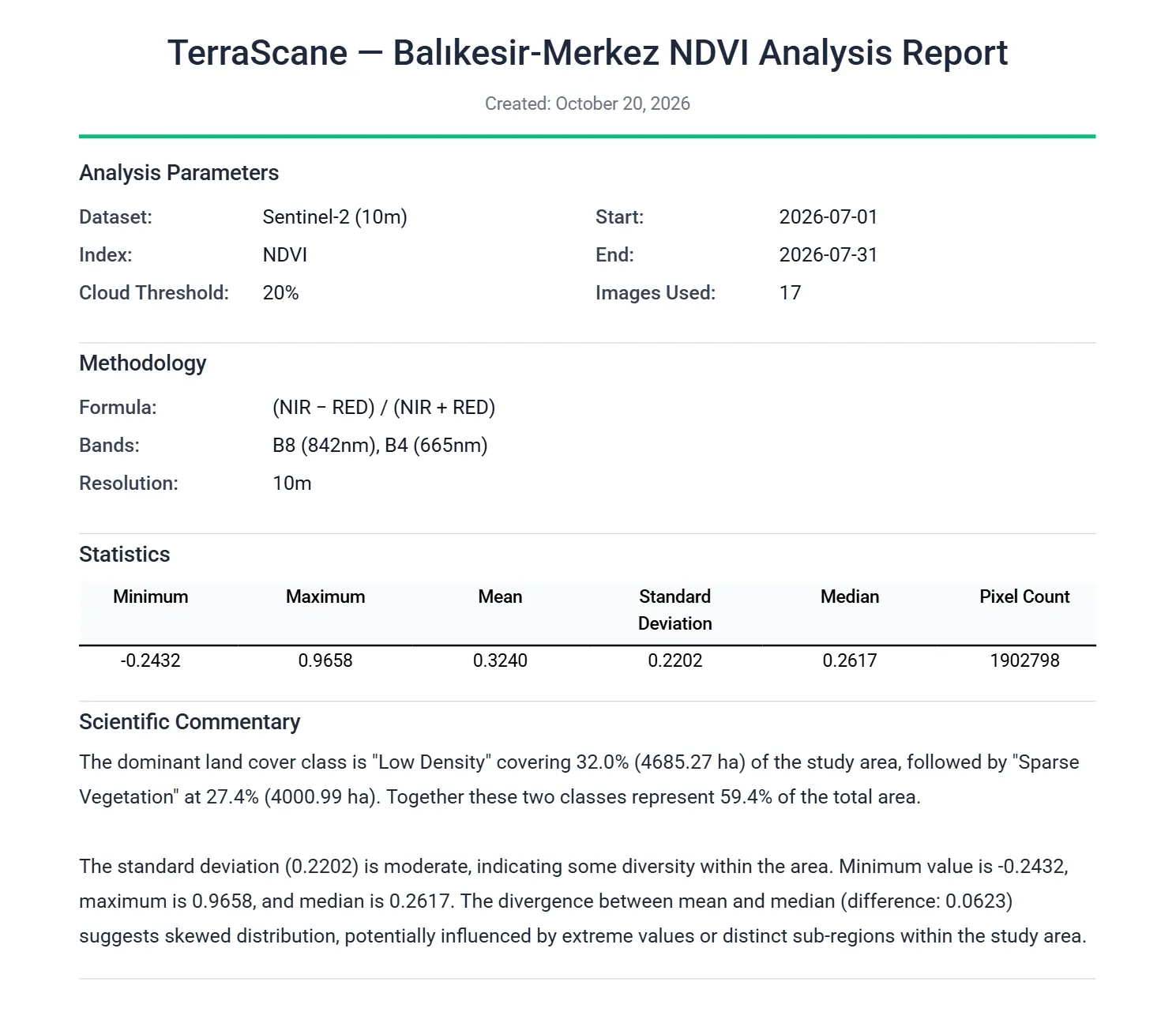
Outputs
PDF report, Excel spreadsheet, KMZ that opens in Google Earth, and GeoTIFF.
View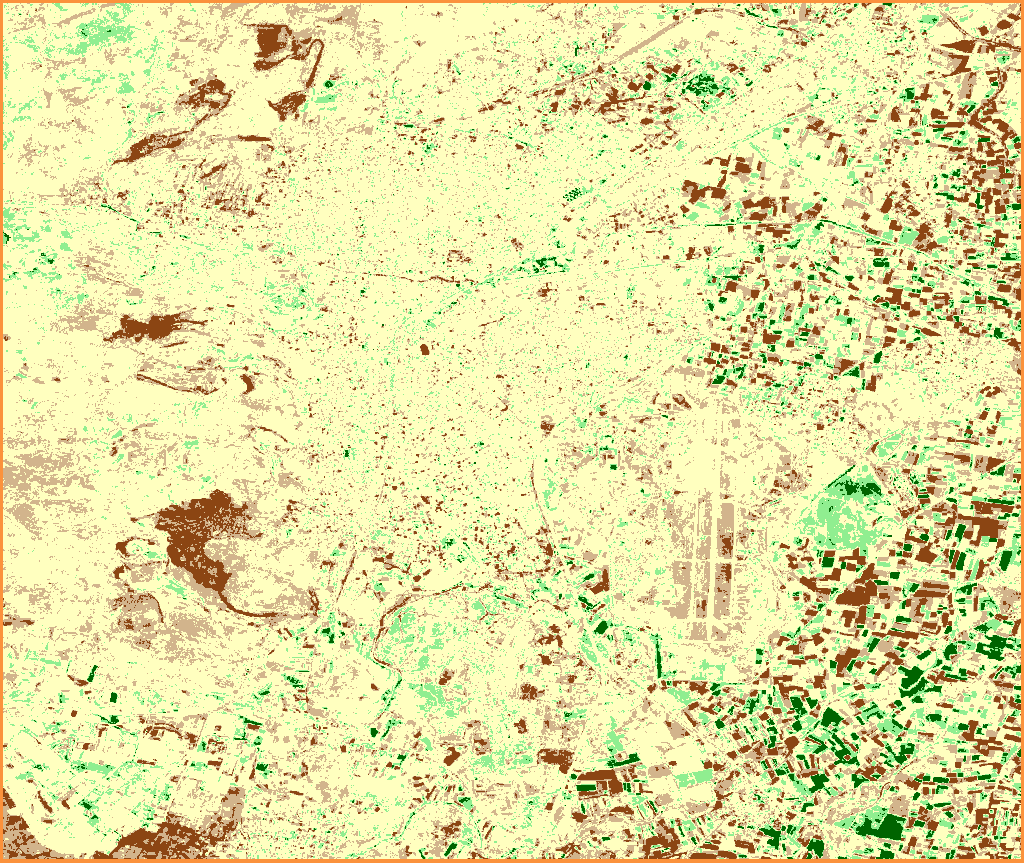
Analysis types
Single, Topographic, Delta, Comparison, Batch, Land Cover, and Urban Heat Island analyses.
View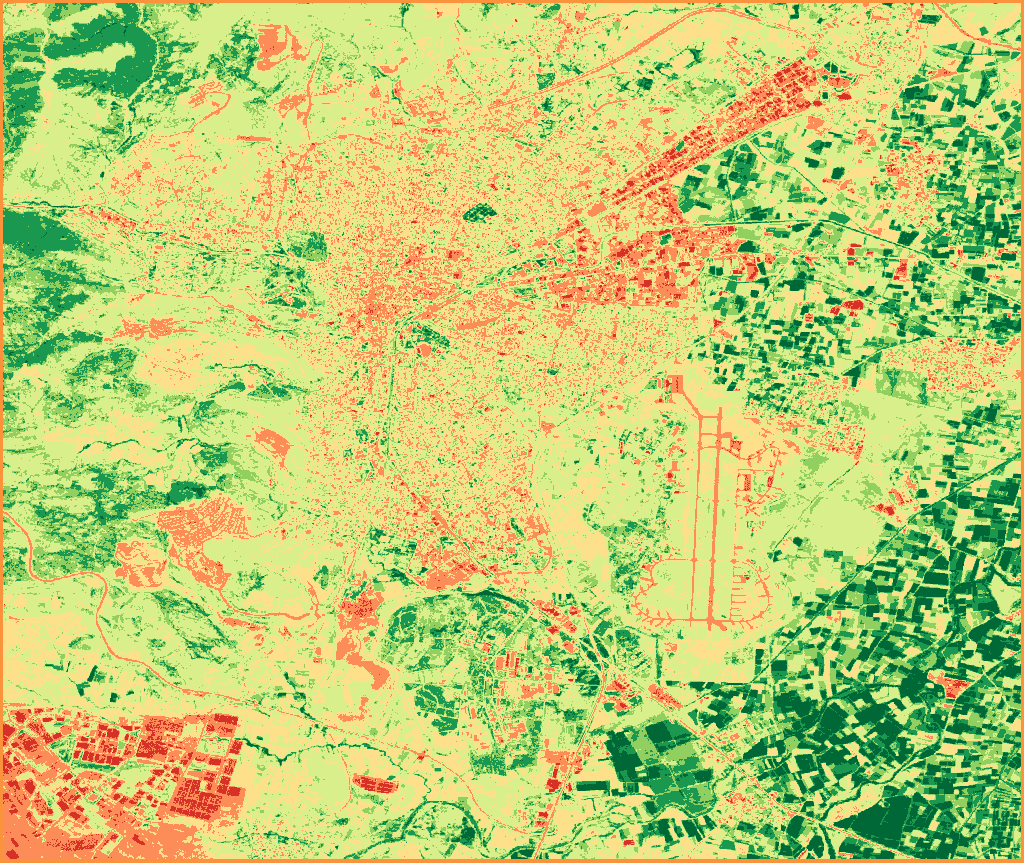
Indices
All 13 spectral indices, NDVI included, with their formulas and bands.
View
Contains modified Copernicus Sentinel data 2020, 2026